Resize & Optimize Images forSocial Media, Apps & Businesses
Fast, free, and secure image editing tools for developers, designers, and content creators. No uploads required.

Professional Tools
Everything You Need toPerfect Your Images
Professional tools that work entirely in your browser. No uploads, no waiting.
AI Background Remover
Remove backgrounds instantly with AI. Professional results, zero uploads required.
Try BG RemoverSmart Precise Crop
Crop with pixel-perfect accuracy for social media, Shopify, and professional web assets.
Try Crop ToolShopify Image Editor
Generate square, high-conversion product photos optimized for Shopify storefronts.
Optimize for ShopifyApp Icon Creator
Generate the full suite of iOS and Android icons from a single image in seconds.
Generate IconsLossless Compressor
Reduce image size by 80% with no visible quality loss. High performance WebP compression.
Compress ImagesQR Code Suite
Generate custom WiFi, URL, and Social Media QR codes. Fast, secure, and completely free.
Explore QR ToolsShowroom Quality
Professional Results, Instantly
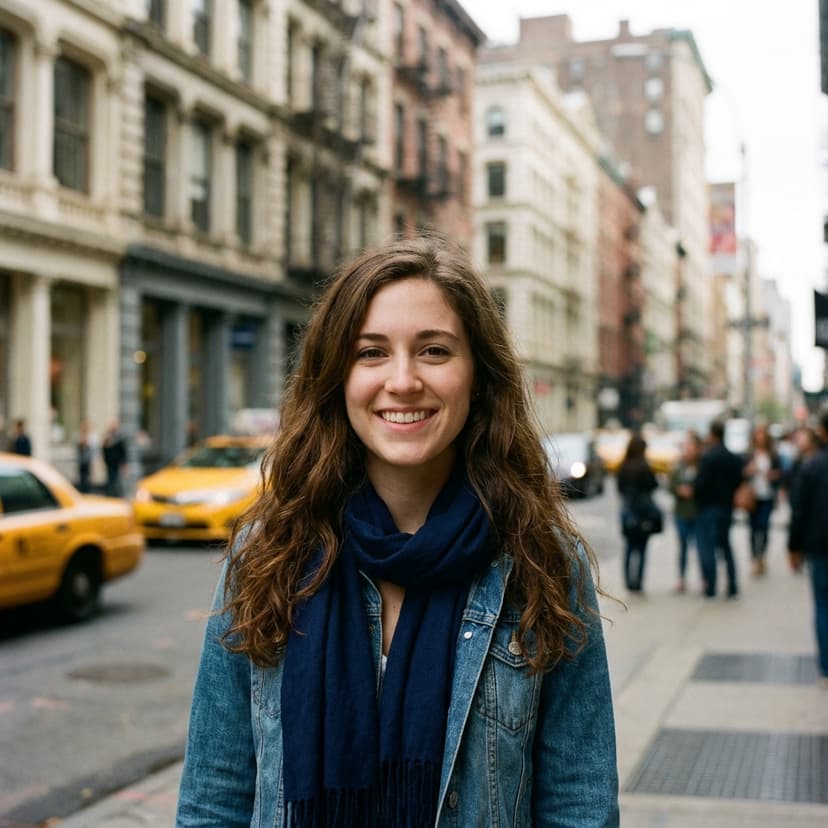
Our AI-powered tools deliver showroom-quality results directly in your browser. Whether it's removing backgrounds or optimizing for web, SnapResizer maintains every detail.

What Users Say
"SnapResizer has become an essential tool in my design workflow. The batch processing saves me hours each week, and the quality preservation is outstanding. Client projects that used to take hours now take minutes."
"We process hundreds of product images daily. SnapResizer's consistent output and format conversion have reduced our image processing time by 70%. The team loves how intuitive it is."
"The social media presets are a game-changer. We maintain perfect dimensions across all platforms without the usual back-and-forth. The privacy features give us peace of mind with client content."
Support
Frequently Asked Questions
Common questions about our image editing tools and optimization techniques.
Yes, absolutely. All image processing happens entirely in your browser using WebAssembly technology. Your images never leave your device—they're never uploaded to our servers or stored anywhere. This ensures complete privacy and security for sensitive photos, proprietary designs, and personal content.
We support all major image formats including JPEG, PNG, WebP, GIF, and BMP. Our compression tool can convert between formats, and our cropper works with any image type. For background removal, we support JPEG, PNG, and WebP formats.
With proper compression, you can typically reduce file sizes by 60-90% while maintaining excellent visual quality. The exact reduction depends on the original image, format, and quality settings. WebP format often provides 25-35% better compression than JPEG, while AVIF can achieve 50% better compression.
Our tools can handle images up to approximately 5MB per file. Since processing happens in your browser, the limit is based on your device's available memory. For very large images, we recommend resizing first using our crop tool, then compressing.
No account is required. All our tools are completely free to use without registration. Simply upload your images and start editing immediately. We don't track users or require any personal information.
Yes! Our compression and cropping tools support batch processing. You can upload multiple images and process them all at once, saving time when working with large image collections. Each image is processed individually with the same settings.
With our intelligent compression algorithms, you can achieve significant file size reductions with minimal visible quality loss. Our tools use perceptual coding techniques that remove data the human eye can't easily detect. You can adjust quality settings to find the perfect balance between file size and visual quality for your needs.
Your Privacy is Our Priority
We built SnapResizer differently. Instead of sending your photos to a server, our advanced technology processes everything right on your device.
Your images never leave your computer. All editing, resizing, and compression happens locally in your browser, ensuring complete privacy.
Unlike other tools, we don't upload your files to any cloud servers. This means your personal photos and data stay exactly where they belong—with you.
By processing files locally, you get instant results without waiting for uploads or downloads. It's not just more private; it's faster too.